21
Free Word Count Tool: Online Character & Text Statistics Counter (2025)
Instantly count words, characters, sentences, paragraphs, and reading time with our free online Word Count Tool. Perfect for students, writers, social media, and SEO professionals.
<p>Whether you're a student racing to meet an essay requirement, a blogger crafting the perfect article, or a social media manager trying to fit your message into a character limit, one thing is constant: **every word counts.**</p>
<p>Manually counting words or characters is impossible, and basic text editors only give you part of the story. Our <strong>free Word Count Tool</strong> is a comprehensive dashboard for your text, giving you instant, detailed statistics so you can write with precision and purpose.</p>
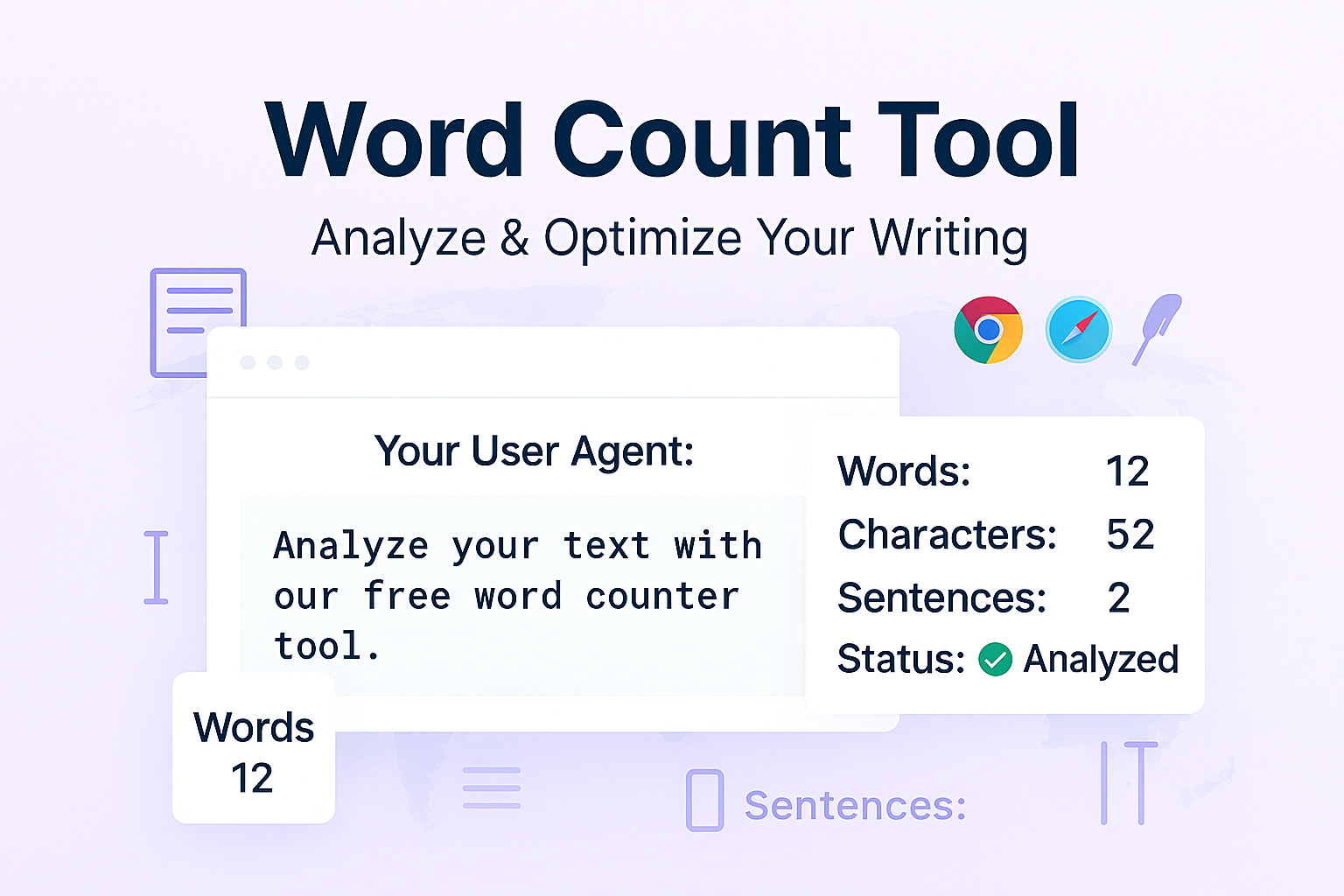
<p>This tool goes beyond just counting words. It instantly analyzes your text to provide word count, character count, sentence count, paragraph count, and even an estimated reading time. It's the perfect all-in-one utility for anyone who works with words.</p>
<h2>How to Use Our Word Count Tool</h2>
<p>Getting a full analysis of your text takes just a second.
</p>
<ol>
<li><strong>Step 1:</strong> Navigate to our free <a href="https://www.webgurulink.com/tool/word-count" title="Free Word Count Tool">Word Count Tool</a>.</li>
<li><strong>Step 2:</strong> Type or paste your text directly into the input box.</li>
<li><strong>Step 3:</strong> That's it! As you type, the tool will instantly update all statistics in real-time. You'll see:
<ul>
<li>Word Count</li>
<li>Character Count (with and without spaces)</li>
<li>Sentence Count</li>
<li>Paragraph Count</li>
<li>Estimated Reading Time</li>
</ul>
</li>
</ol>
<h2>Why Are Text Statistics So Important?</h2>
<p>This tool isn't just about meeting a specific number. It's about writing more effectively. Here's how each metric helps you.</p>
<h3>1. Word Count: For Students, Writers, and SEO</h3>
<p>This is the most common metric.
<ul>
<li><strong>Students:</strong> Instantly check if your essay, research paper, or discussion post meets the 500-word or 1,000-word requirement.</li>
<li><strong>Bloggers & Content Writers:</strong> Google tends to favor comprehensive, long-form content. Tracking your word count helps you ensure your articles have enough depth.</li>
</ul>
</p>
<h3>2. Character Count: For Social Media & SEO</h3>
<p>This is crucial for platforms with hard limits.
<ul>
<li><strong>Social Media:</strong> See if your post fits X (formerly Twitter) limits, or if your Instagram caption is too long.</li>
<li><strong>SEO Professionals:</strong> Check if your page titles (under 60 characters) and <a href="https://www.webgurulink.com/tool/seo-tags-generator" title="Meta Tag Generator">meta descriptions</a> (under 160 characters) are optimized to avoid being cut off in search results.</li>
</ul>
</p>
<h3>3. Sentence & Paragraph Count: For Readability</h3>
<p>Are you writing giant "walls of text"? High paragraph and sentence counts are a warning sign. For great online readability, you need short sentences and lots of white space. This tool helps you see if you need to break up your content for a better user experience.</p>
<h3>4. Reading Time: For User Engagement</h3>
<p>Knowing your article is a "5-minute read" is powerful. It sets user expectations and can improve your "time on page," a key engagement signal for SEO. You can see at a glance if your content is a quick read or a deep dive.</p>
<h2>Who is this Word Counter For?</h2>
<ul>
<li><strong>Students:</strong> To meet academic requirements for assignments.</li>
<li><strong>Bloggers & Journalists:</strong> To create in-depth articles and manage content length.</li>
<li><strong>SEO Specialists:</strong> To optimize titles, meta descriptions, and on-page content.</li>
<li><strong>Social Media Managers:</strong> To write perfect-length posts for X, LinkedIn, Facebook, and more.</li>
<li><strong>Authors & Novelists:</strong> To track chapter lengths and writing goals.</li>
<li><strong>Anyone:</strong> Who just needs to quickly count text!</li>
</ul>
<h2>Frequently Asked Questions (FAQs)</h2>
<h3>Q: Is this word count tool free to use?</h3>
<p>A: Yes! Our tool is 100% free with no limits. You can check as much text as you want, as often as you want.</p>
<h3>Q: Do you save or store my text?</h3>
<p>A: Absolutely not. Your privacy is our priority. All text is processed in your browser and is never sent to our servers. The moment you close the page, your text is gone.</p>
<h3>Q: What is the ideal word count for an SEO blog post?</h3>
<p>A: While there's no single "magic number," most top-ranking content is comprehensive. Studies often show that top-ranking articles are between 1,500 and 2,500 words. However, the most important rule is to fully answer the user's question, whether it takes 500 words or 3,000.</p>
<h2>Conclusion</h2>
<p>Stop guessing and start writing with precision. Our free tool gives you all the text statistics you need in one clean, instant dashboard. Bookmark this page and make it your go-to companion for every writing project.</p>
<p style="text-align:center; margin: 25px 0;">
<a href="https://www.webgurulink.com/tool/word-count" style="background-color: #007bff; color: #ffffff; padding: 12px 20px; text-decoration: none; border-radius: 5px; font-size: 1.1em; font-weight: bold;" title="Count Your Words Now">
Try Our Free Word Count Tool
</a>
</p>
<h2>Related Text Tools You Might Find Useful:</h2>
<ul>
<li><a href="https://www.webgurulink.com/tool/case-converter" title="Case Converter Tool">Case Converter</a> - Change text to uppercase, lowercase, title case, and more.</li>
<li><a href="https://www.webgurulink.com/tool/text-to-slug" title="Text to Slug Tool">Text to Slug</a> - Convert your blog titles into SEO-friendly URLs.</li>
<li><a href="https://www.webgurulink.com/tool/duplicate-lines-remover" title="Duplicate Lines Remover">Duplicate Lines Remover</a> - Clean up your lists by removing duplicate entries.</li>
<li><a href="https://www.webgurulink.com/tool/text-reverser" title="Text Reverser Tool">Text Reverser</a> - Flip your text backward, letter by letter or word by word.</li>
</ul>
<hr>
<p style="font-size: 0.9em; color: #ccc;">
<em>Last Updated: October 21, 2025</em>
</p>
Contact
Missing something?
Feel free to request missing tools or give some feedback using our contact form.
Contact Us